Why images and media are important
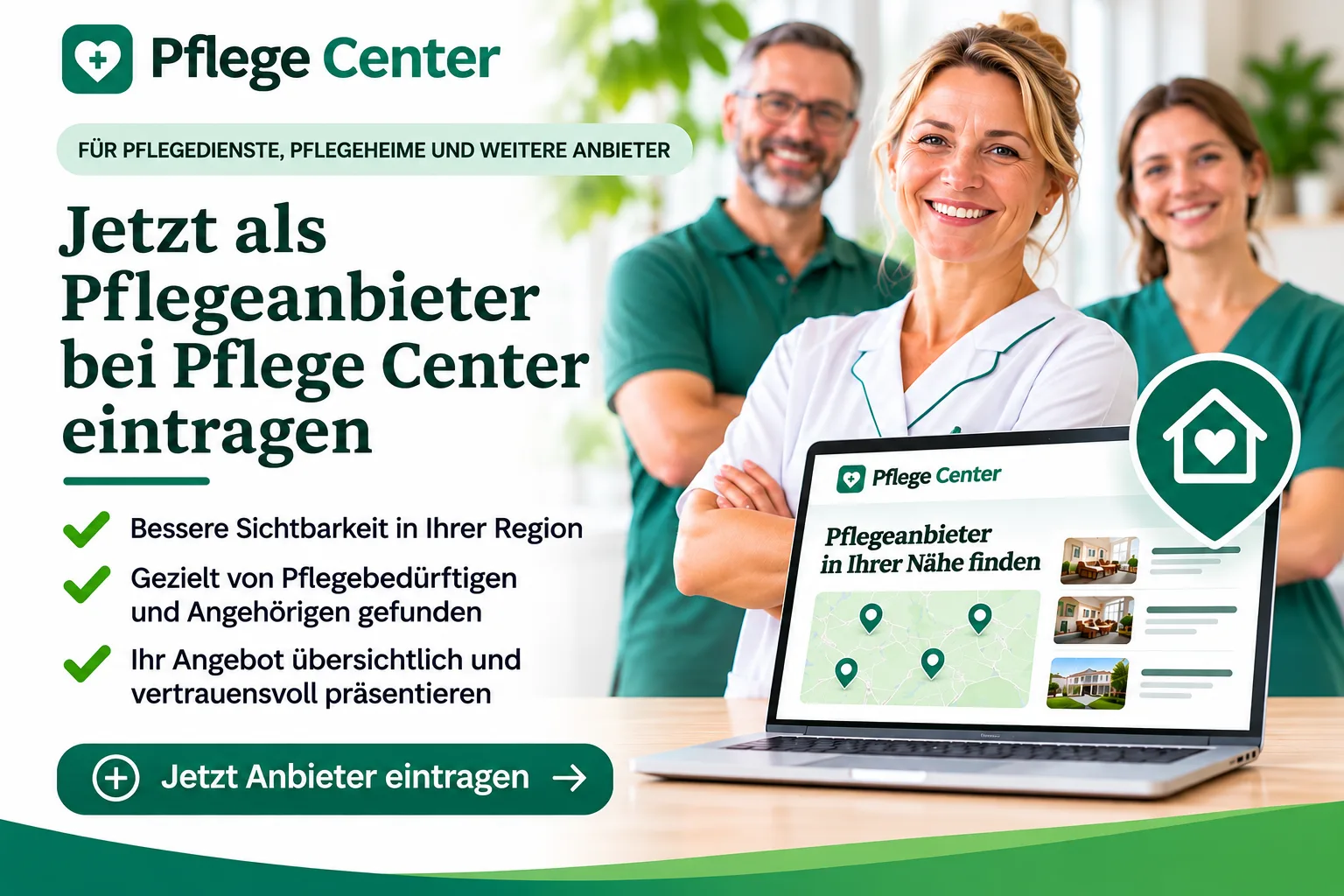
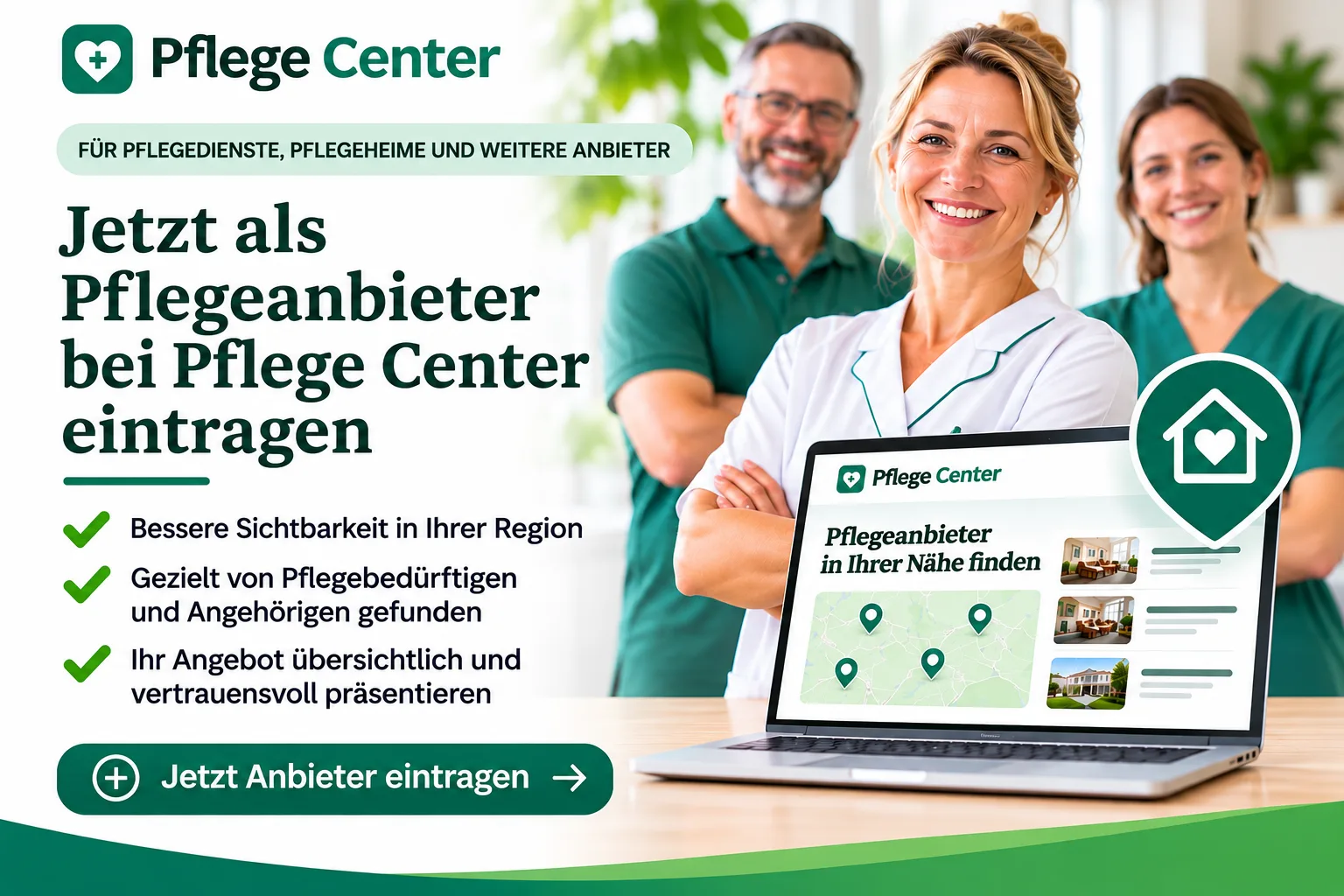
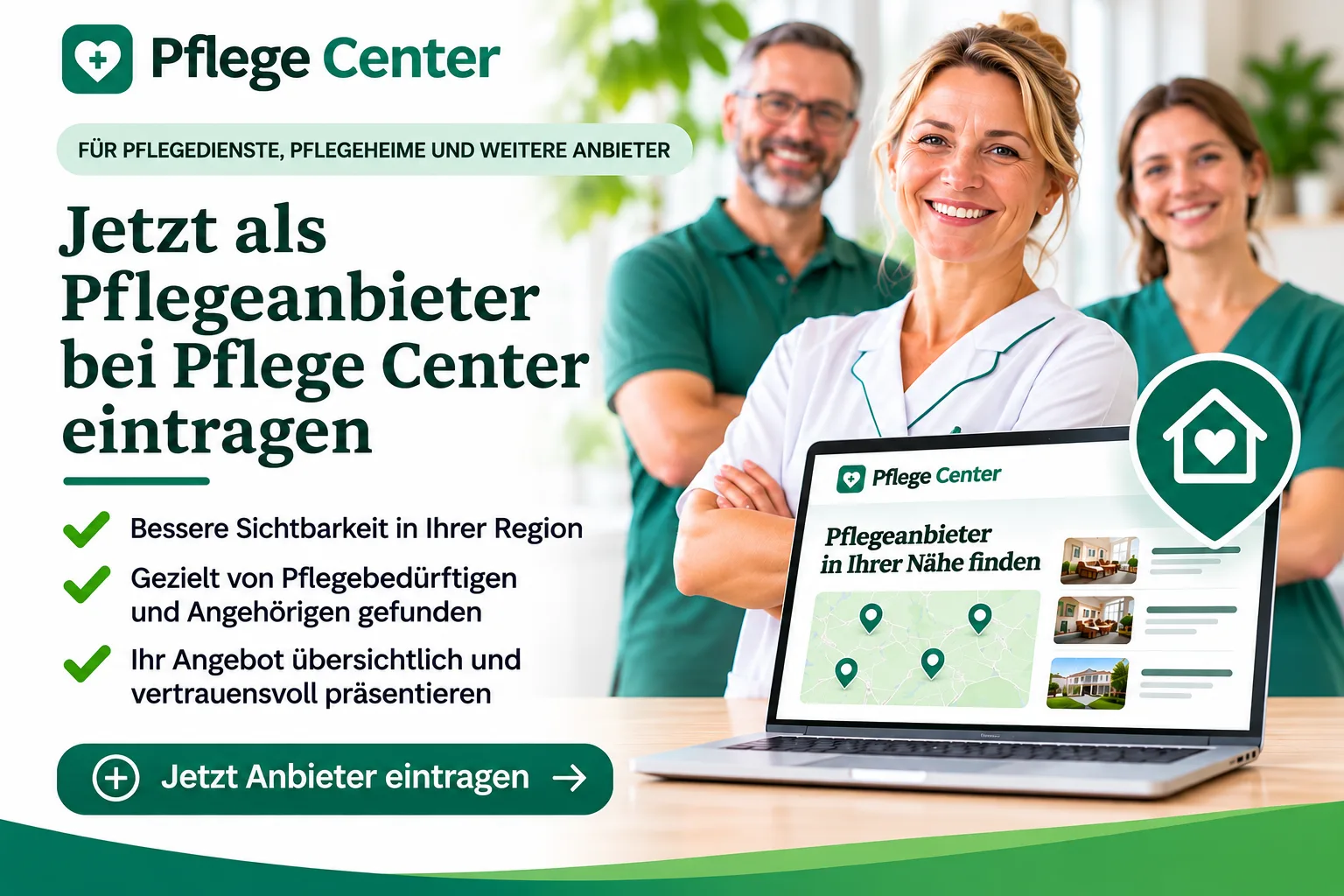
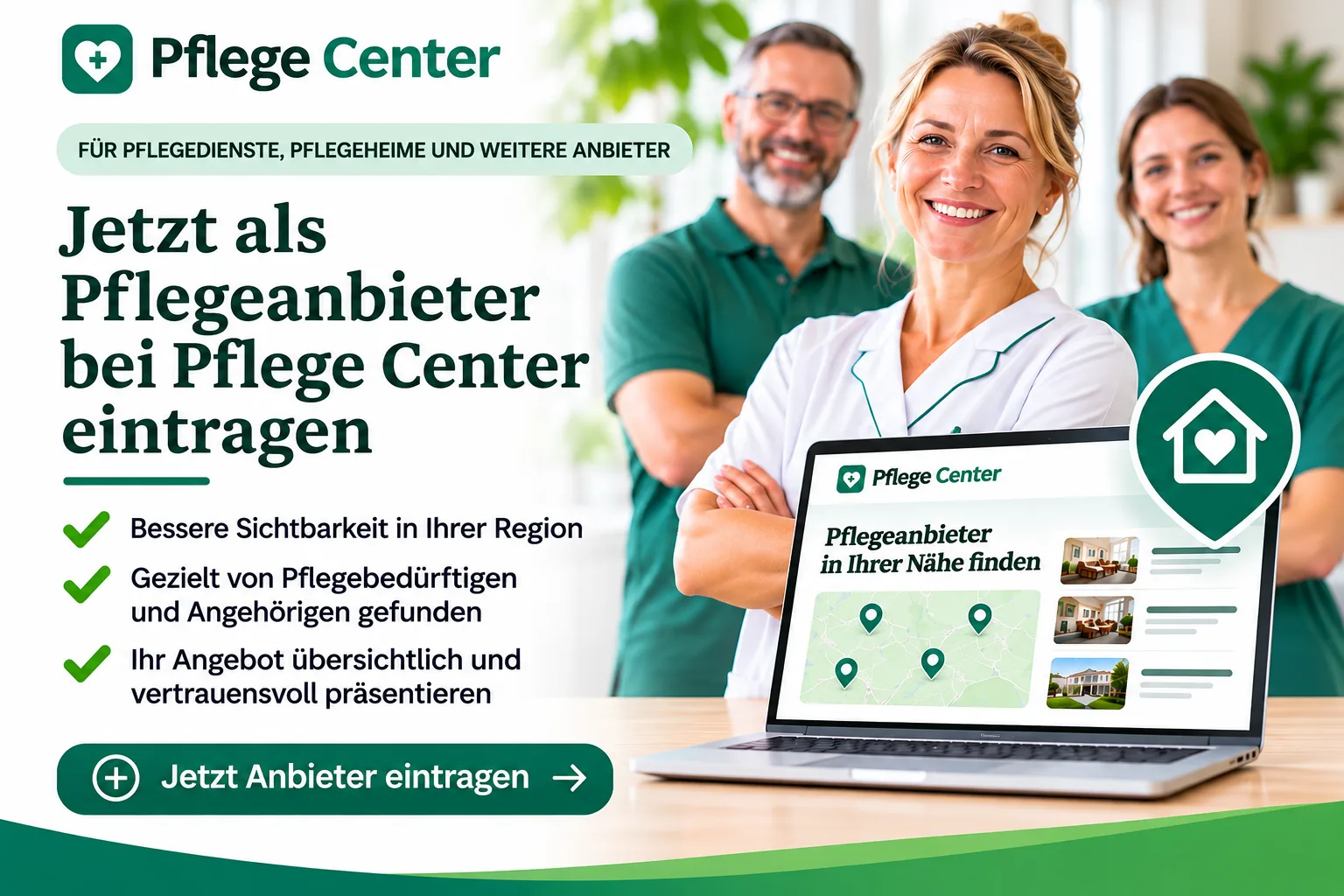
Images and media play a key role in how professional and trustworthy a listing is perceived to be. A clear logo, a suitable cover image and a neat layout help users to understand your offering more quickly and build trust.
Which media are typically maintained
- The provider’s logo
- Cover image or main image
- additional supporting images where appropriate
What to look out for when using images
Use images that are as clear, up-to-date and relevant to the topic as possible. Blurry, heavily distorted or thematically inappropriate images look unprofessional. Inconsistent file formats or very small files can also impair the display quality.
Recommended approach
- check which image fields are provided in the relevant section
- Select suitable, up-to-date files
- Check the presentation in the entry
- Save the changes and then check the overall status
Important note regarding publication
Changes to images or media are also not automatically visible online straight away. As with other edits, the previously published version remains publicly visible until the new version has been confirmed.